
Research Goal was to investigate the current needs and practices of Visually Impaired shoppers at Metro grocery stores, and to identify relevant support available to Visually Impaired people.
In an effort to collect empirical data that can validate the problem statement and help the team gain closer proximity to achieving the goal, 3 research questions were developed:
The competitive analysis was done to answer the research questions in the place of conducting user interviews. This was a result of not having ethics approval to pursue partially visually impaired participants. Using a SWOT analysis, the findings informed the team as to what aspects of current solutions deter people from using them and what aspects of the products are influencing people to adopt them.
We analyzed 7 tools- of which 5 apps were built to assist people specifically with visual impairment. Some competitors offer services that provides human assistance, haptic support, and navigation services. However, common weaknesses are high prices, non-customizable experiences, and the in-adaptability to local contexts. We then identified opportunities to merge assistive tools with grocery shopping apps.






.png)
To inform our redesign, we conducted further research on top of the secondary research. The three main methods we used is observation in grocery store, informal conversations with store employees, and product analysis on existing assistive technologies used by PVI for grocery shopping. Below are the three main findings

After conducting primary research, the collected findings were then turned into data points and aggregated into clusters and synthesized into the main findings. The findings were then categorized into “gaps within the experience” and “strong function consideration for ideation”. Using the “gaps within the experience” grouping, 3 How Might We statements were established to operationalize the research findings. The statements represented actions the team wanted visually impaired shoppers to be able to take as a way to address the gaps discovered during the research. The three HMW statements are:
How might we enable effortless navigation through Metro stores for visually impaired customers so that they do not feel lost or confused while searching for their groceries?
How might we bring attention to any obstructions/obstacles within aisles for visually impaired customers so that they feel safe while navigating through the store?
How might we improve the in-store product searching experience for visually impaired customers so that they can find their product of interest at the moment they need it?
.png)
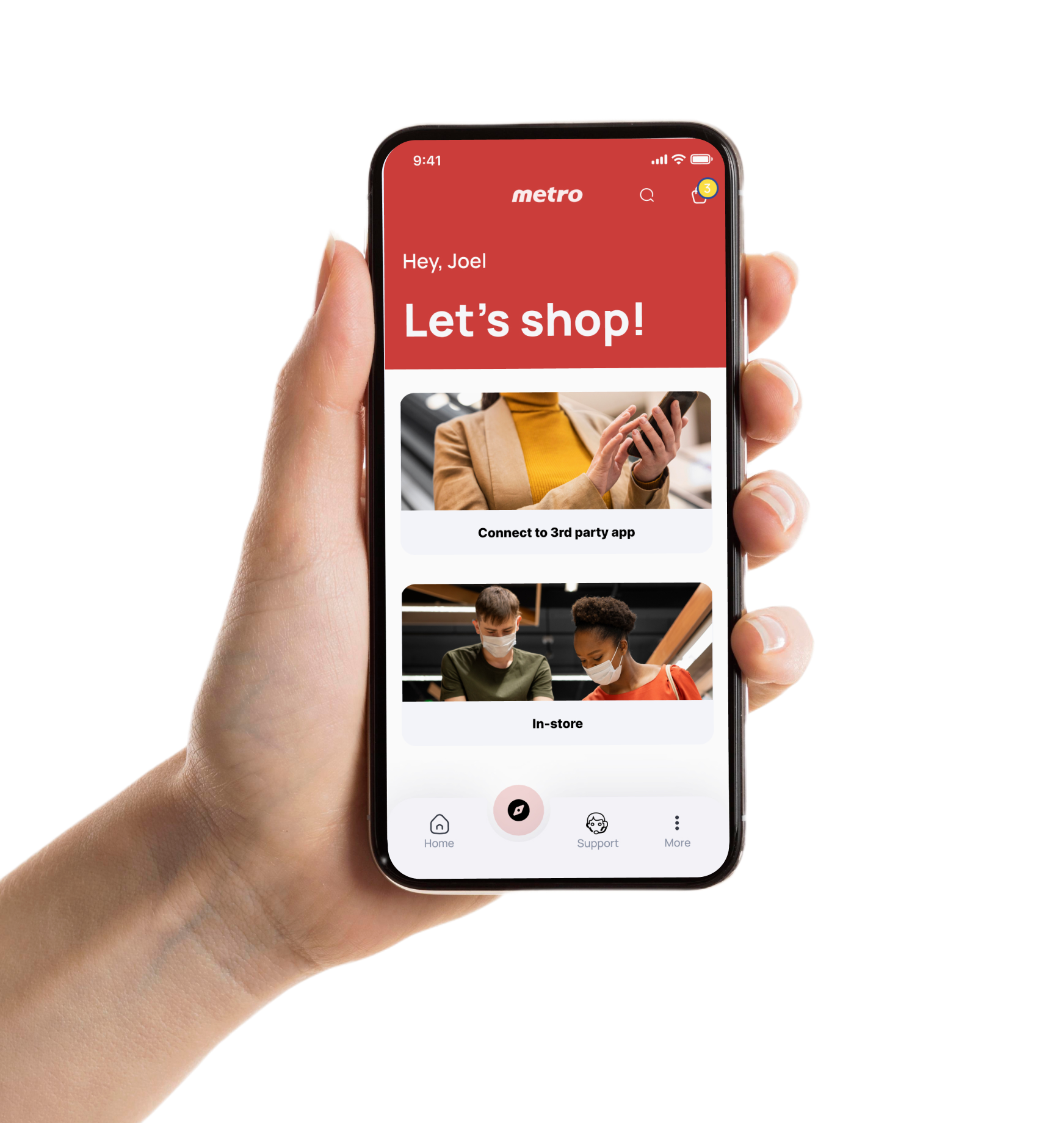
By leveraging Metro's existing app, we introduced features that would help shoppers with disablities navigate through the store and successfully complete their shopping.
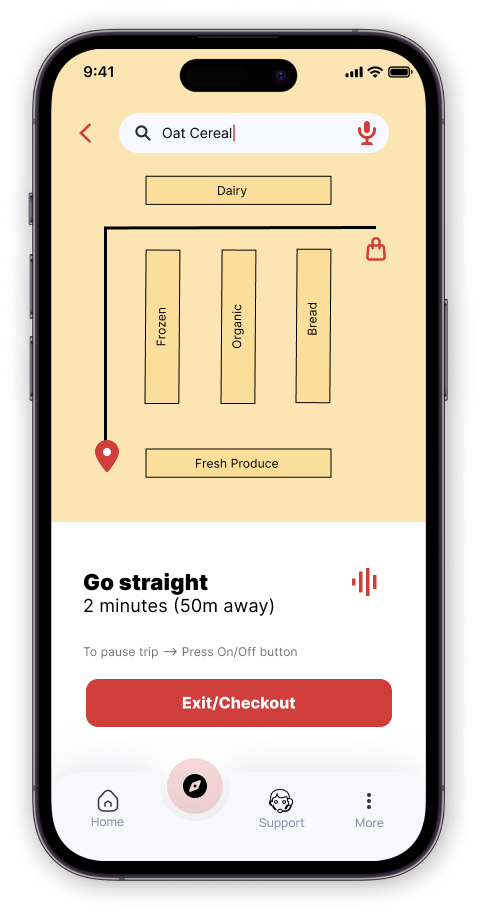
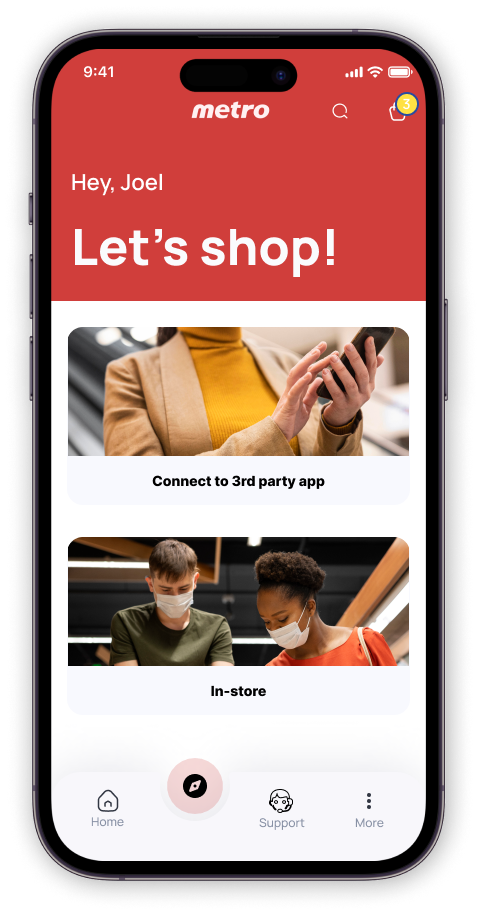
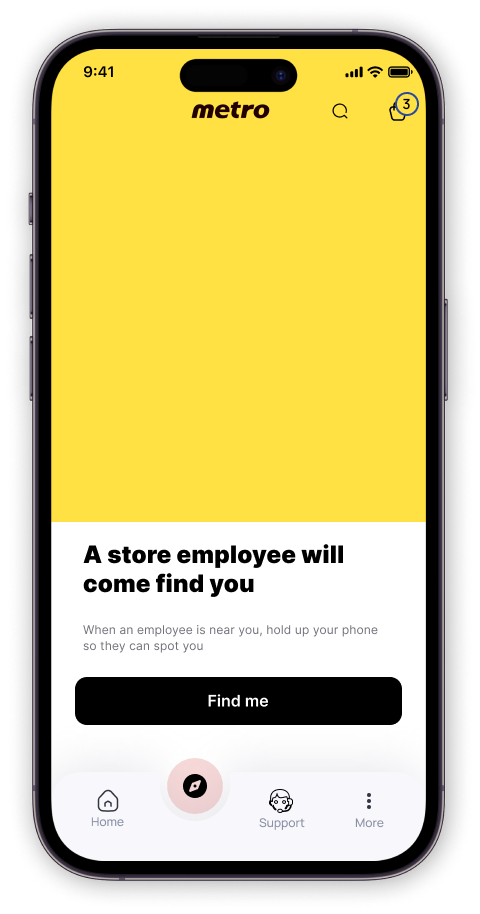
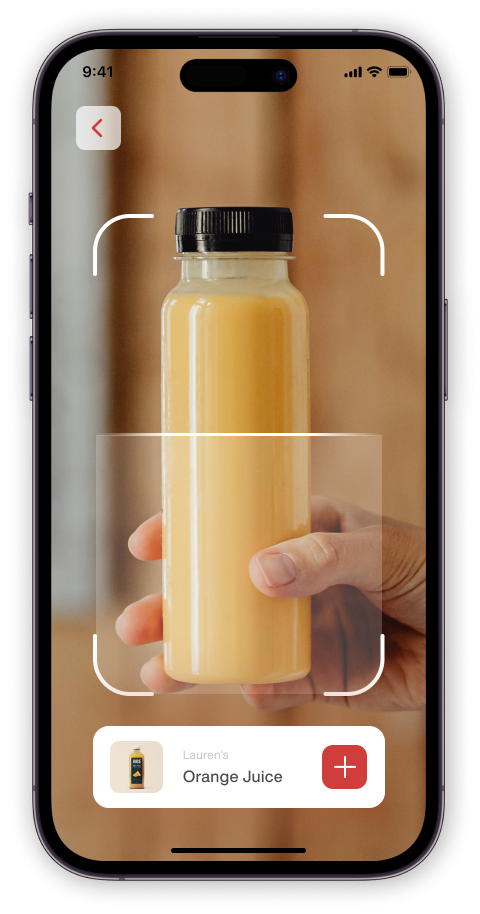
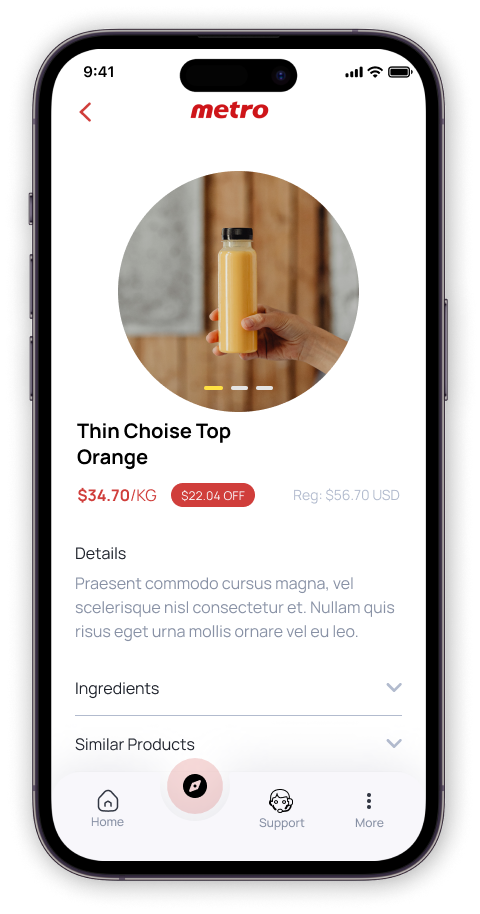
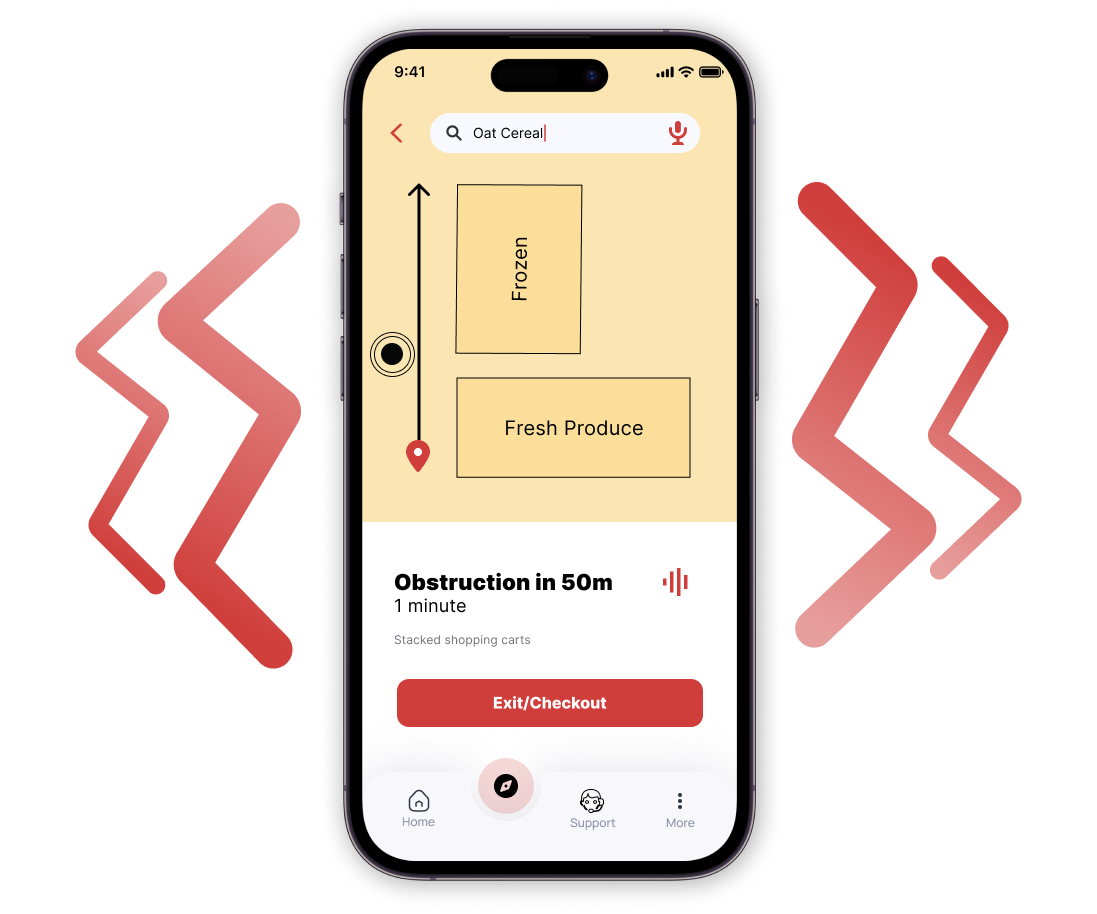
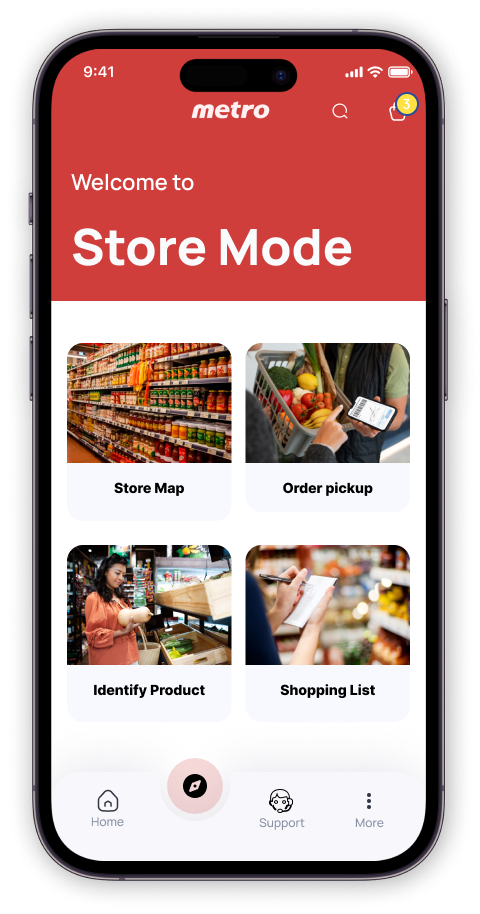

A key insight brought up during the evaluation was feasibility in implementation. Our SME mentioned that navigating and searching for a product might result in sensory overload. Eg. The user has a phone on one hand (that is giving audio instructions) and is searching for a bag of fries at the same time.

1. Secondary research drew from peer-reviewed journal articles provided high-quality literature on previous work related to the grocery shopping experience of people with visual impairment.
2. Observations and informal conversations in Metro stores provided a physical environmental scan and insights into the interactions between store employees and people with visual impairments.
1. The most significant challenge is the lack of involvement with partially-sighted people and subject matter experts throughout the project. Without their voices, it is impossible to accurately represent their lived experience and pain-points related to grocery shopping.
2. Time constraints limit the project's scope to navigation. The project does not consider other obstacles related to food such as access, keeping track of stock, and cooking.
1. Gain a better understanding on the role of personal shopping assistants and in-store support with further user research.
2. Implement feedback from accessibility expert and iterate on current design.
3. Audit the prototype with screen reader (e.g. VoiceOver) to ensure the elements are clear and logical.